Table of Contents
You typed “Legendz Casino App” into Google and got five different answers. One page says you can grab it from the App Store. Another page says no app exists at all. That kind of mixed signal wastes your time and leaves you more confused than when you started.
This guide settles the confusion in one place. You will learn what it really is, how to get it working on your phone, and what to do if your state blocks access. By the end, you will have a clear answer instead of another guess.
Is There an Official Legendz Casino App? (PWA Explained)
The short answer is no. There is no such app sitting in the Apple App Store or Google Play Store right now. Sweepstakes platforms often skip traditional app stores because of strict store rules around coin-based games.
Apple and Google both apply tight review rules to anything involving prize coins, even when no real money changes hands. Many sweepstakes brands avoid that review process altogether by building a web-based experience instead. This keeps the platform flexible and lets the team push updates without waiting weeks for store approval.
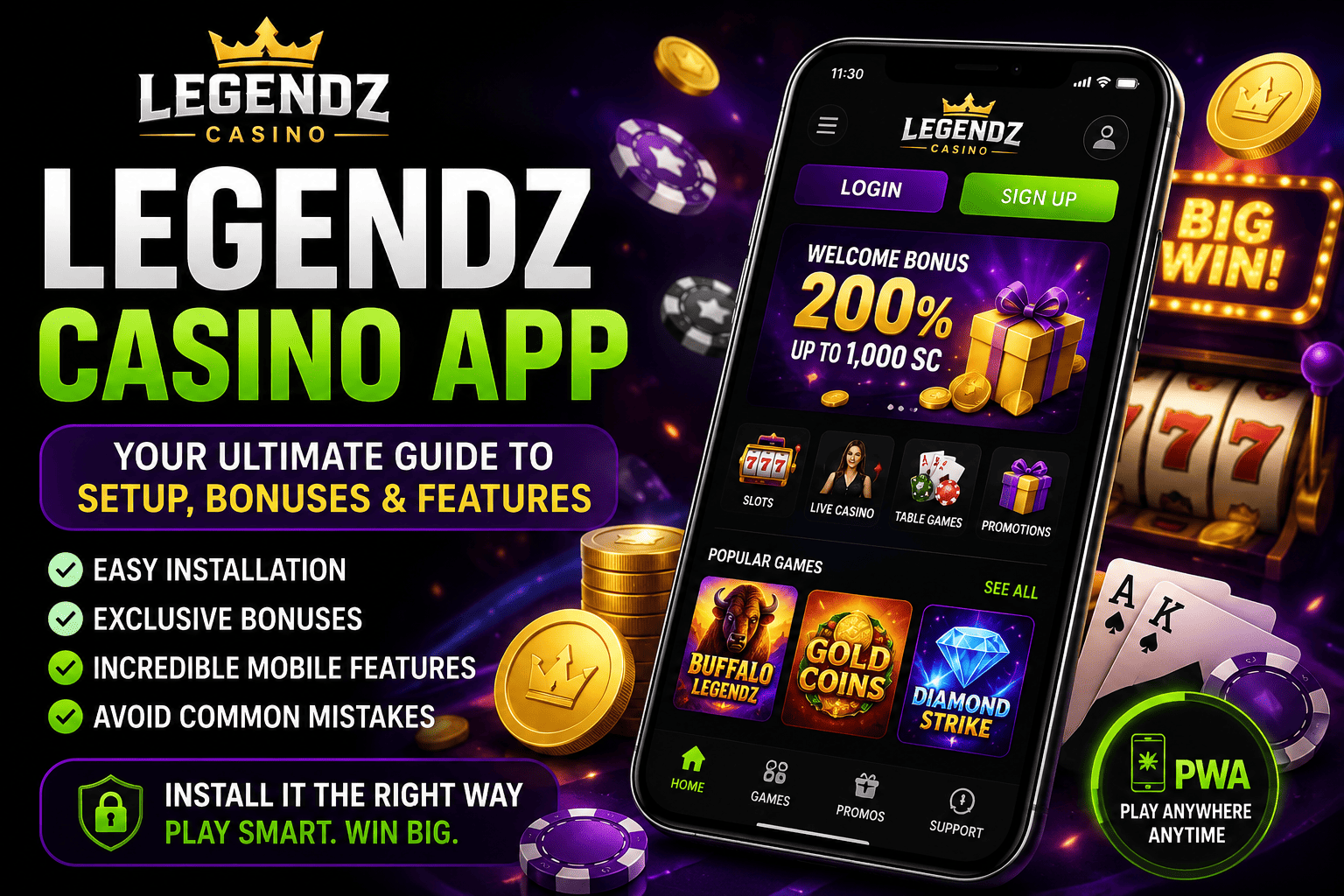
Instead, Legendz offers a Progressive Web App, known as a PWA. A PWA is a website that behaves like an app once you add it to your home screen. It loads fast, works offline for basic screens, and skips the app store review process completely. For a full breakdown of what the platform offers beyond mobile access, the complete Legendz Casino review covers games, bonuses, and account setup in one place.
This setup is common across the sweepstakes casino space right now. Once you understand that a PWA and a native app work almost the same day to day, the missing store listing stops feeling like a red flag. It is simply a different build choice, not a sign of a weaker product.
Players coming from traditional app-store gambling apps sometimes expect a download bar or an install confirmation screen. That step just does not exist here, and that is by design rather than by accident.
Legendz App vs Playing on Mobile Browser: What Actually Changes
Many players wonder if installing anything even matters. You can technically play through Safari or Chrome without adding anything to your phone. But the home screen version changes a few small things that add up over time.
Think of it like the difference between bookmarking a page and pinning a shortcut. Both get you to the same place. One just takes fewer taps and looks cleaner while you play.
| Feature | Mobile Browser | Legendz App (PWA) |
| Access speed | Type URL each time | One tap from home screen |
| Screen space | Browser bar takes room | Full screen, no address bar |
| Loading speed | Standard | Slightly faster on repeat visits |
| Notifications | None | Some browsers allow push alerts |
The table shows the app is not a different product. It is the same website, just packaged for faster daily use. If you already tried a similar setup on another site, the Captain Jack Casino App guide explains the same PWA approach in more detail.
How to Install the Legendz Casino App
Installing it takes less than two minutes on either operating system. You do not need extra storage space or a download manager. Just follow the steps that match your device.
iPhone (iOS) Installation Steps
Open Safari and go to the Legendz website. Tap the Share icon at the bottom of the screen. Select “Add to Home Screen” and confirm the name. The icon appears on your home screen within seconds.
Safari is the only browser that supports this install option on iPhone right now. Chrome or Firefox on iOS will not show the same Share menu option, so switching to Safari first saves confusion.
Android Installation Steps
Open Chrome and visit the Legendz site. Tap the three dots in the top corner. Choose “Add to Home Screen” then “Install.” Android handles the rest automatically, and the icon lands with your other apps.
Some Android phones show a small install banner near the bottom of the screen instead of needing the three-dot menu. Either path leads to the same result, so tap whichever prompt appears first.
Who Can Use Legendz on Mobile
Not everyone can open the app right away. Two conditions decide whether you get access. Skipping either one means the app will block your account during signup.
Minimum Age Requirement
You must be at least 18 years old to register. Some states raise this to 21 for sweepstakes-style platforms. Check your local rules before you try to sign up, since the app enforces age checks during verification.
Age checks usually happen at two points. The first is a simple date-of-birth entry during signup. The second is a deeper identity check later, once you try to redeem Sweeps Coins for a prize.
Entering an incorrect birth date early on can cause problems down the line, especially during identity verification. It helps to enter your details accurately the first time rather than rushing through the form.
States Where the App Works
Legendz currently blocks a handful of states, including Kentucky, Michigan, Nevada, and New York. Most other US states can use the platform without issue. If your state is not on the excluded list, the app should work the moment you finish registration.
State rules around sweepstakes gaming shift from time to time. A state that is blocked today could open up later, and the reverse is also possible. Checking the eligibility list before you spend time on signup saves a wasted attempt.
Games and Betting Options Available on the App
The Legendz Casino App carries the exact same game library as the desktop site. Nothing gets trimmed down for mobile users. You get the full slot catalog, live tables, and sports markets in one place.
Switching between the casino lobby and the sportsbook takes one tap once you are signed in. The layout groups games by type, so scrolling through hundreds of titles does not feel messy. Search works well too if you already know what you want to play.
Casino Games, Slots & Live Dealer
Slots make up most of the lobby, with titles from providers like NetEnt, BGaming, and Playson. Live dealer tables cover blackjack, roulette, and baccarat with real hosts. Arcade-style originals such as Mines, Plinko, and Crash round out the mix for players who want something quick.
Bingo rooms sit in their own section, with a few variants running at different ball counts. Jackpot slots pull from a shared prize pool that grows as more players join in. Load times stay quick across most of these categories, even on an older phone.
Social Sportsbook (30+ Sports)
Beyond casino games, the app includes a social sportsbook covering more than 30 sports. NFL, NBA, NHL, and major soccer leagues all appear during their seasons. You place picks using virtual coins, so there is no real-money wagering involved on this side either.
Live in-play markets update as games unfold, which keeps the sportsbook section active outside of just game day. Esports fans get coverage too, with titles like League of Legends and Counter-Strike showing up during major tournaments. Switching between casino play and sports picks does not require logging out or reloading the app.
Odds display in a simple format that does not require betting experience to read. Tapping any market pulls up a short slip where you confirm your pick before submitting it. The whole process usually takes under ten seconds once you know your way around the layout.
Bonuses You Can Claim Through the App
Every new player who sets up the Legendz Casino App gets a welcome package the moment signup finishes. This usually includes Gold Coins for fun play and Sweeps Coins that can be redeemed later. A few other offers show up regularly for active players too.
- Daily login bonus through the spinning wheel feature
- VIP tiers that unlock bigger rewards as you play more
- Referral bonus when friends join using your link
The VIP club runs across five tiers, moving from Pioneer up to Legend as you rack up points. Higher tiers add perks like faster support, bigger daily rewards, and invites to members-only promotions. Points build naturally just by playing games or making social sports picks through the app.
For the latest codes tied to these offers, the Legendz Casino Promo Code page tracks active deals separately from the general app guide.
App Speed, Storage & Data Usage
Since this is a PWA rather than a native download, it barely touches your phone’s storage. Most installs use less than 5MB, since the heavy content loads from the web each time you open it. This matters if your phone is already low on space.
Data usage stays reasonable for casual play, similar to browsing a media-heavy website. Streaming live dealer tables uses more data than spinning slots. If you play on limited mobile data, connecting to Wi-Fi first is the safer option.
Older phones sometimes load slower on the first visit while the browser caches images and game files. After that first load, return visits speed up noticeably. Closing other background apps before a live dealer session also helps keep video smooth.
Battery drain stays roughly in line with any other browser-based gaming session. Slots and arcade games use less power than live dealer video, so battery life holds up better during longer casino sessions than during sportsbook streaming.
Is the Legendz App Safe to Use?
Safety concerns are fair given how many fake casino apps circulate online. The Legendz Casino App uses standard SSL encryption, the same protection banks and shopping sites rely on. Since it runs through your browser rather than a separate installed file, there is no risky APK to sideload.
Because Legendz operates as a sweepstakes platform, it follows sweepstakes law instead of gambling licensing. This does not mean less oversight. It means a different legal category that still requires clear terms, privacy policies, and identity verification during signup.
Identity verification kicks in once you try to redeem Sweeps Coins, not before. This step confirms your age and location match what you entered at signup. It is a standard part of how sweepstakes platforms stay compliant, not a sign that something went wrong with your account.
Look for the padlock icon in your browser bar as a quick trust check before you sign up. A missing padlock or a certificate warning is a sign to close the page and try again later.
Fixing Common Legendz App Problems
A few issues pop up more than others when players first set up the app. Most fix themselves with basic troubleshooting steps rather than a full reinstall.
- Icon missing after install: clear browser cache and repeat the add-to-home-screen steps
- App stuck loading: switch from mobile data to Wi-Fi and refresh
- Login not working: double check your email spelling before resetting your password
- Games not loading fully: close the browser completely and reopen the shortcut
None of these fixes require deleting your account or starting over. Most players clear things up within a minute or two once they find the right step. If a problem keeps repeating after multiple tries, reaching out to support through the app is the next move.
Keeping your browser updated to the latest version also prevents a good number of these glitches before they start. Older browser versions sometimes struggle to render newer PWA features correctly.
If login trouble keeps happening after these steps, the Legendz Casino Login guide walks through account recovery in more depth.
Legendz App vs Real-Money Casino Apps: Don’t Get Confused
It helps to be clear about what the Legendz Casino App actually is before you download it. This is not a real-money gambling app like the ones tied to state-licensed sportsbooks. You cannot deposit cash and bet it directly on games or sports here.
Instead, you play using Gold Coins for fun and Sweeps Coins that can later be redeemed for prizes under sweepstakes rules. Some players compare this setup to platforms like scrooge.casino, which uses a similar coin-based structure instead of direct cash wagering. Knowing this difference upfront avoids confusion about deposits, withdrawals, and how winnings actually work.
This distinction matters most at redemption time. Real-money apps let you withdraw exactly what you wagered and won. Sweepstakes apps like this one convert eligible Sweeps Coins into prizes only after you meet playthrough and verification requirements.
Pros and Cons at a Glance
Weighing the app honestly helps you decide if it fits your habits. Here is a quick breakdown based on everything covered above.
- No storage-heavy download required
- Full game library matches the desktop site
- Works on both iOS and Android through the browser
- No dedicated app store listing, which confuses some users
- State restrictions block a portion of US players
None of these points are dealbreakers on their own. Most players weigh convenience against the small learning curve of a PWA and land on the side of installing it.
Excluded From Your State? What to Do Instead
If your state sits on the restricted list, the app simply will not let you finish registration. Trying again with a different email will not fix this, since the block is location-based. Your best move is checking sweepstakes platforms that operate legally in your specific state instead.
Several alternative sweepstakes sites cover states that Legendz currently excludes. Comparing a few options before committing saves you from hitting the same wall twice. Reading the state eligibility list on each site upfront is faster than discovering a block halfway through signup.
Is the Legendz App Worth Installing?
The Legendz Casino App is worth setting up if you already play on the site regularly. It saves time, skips the address bar, and keeps everything one tap away. Just remember it is a browser shortcut, not a traditional app store download.
For casual players who visit occasionally, the regular mobile browser works just as well. The difference comes down to convenience rather than features, since both versions offer identical games and bonuses.
Either way, you are not locked into one choice. You can bookmark the site today and add the shortcut later once you decide it is worth the extra step.
Conclusion
The Legendz Casino App turned out to be simpler than the conflicting search results suggested. It is a PWA, not a store download, and it takes under two minutes to set up on either iOS or Android. You now know how to install it, which bonuses to grab, and what to do if your state blocks access. That confusing mix of answers from earlier should not follow you anymore.
Frequently Asked Questions
Is the app free to download?
Yes, adding it to your home screen costs nothing. It simply creates a shortcut to the mobile site. No purchase or subscription is required at any point during setup.
Does it work on tablets?
Yes, the same PWA installs on iPads and Android tablets using the same steps as phones. The layout adjusts automatically to fit larger screens without losing any features or games.
Why can’t I find it on Google Play?
Legendz chose a Progressive Web App instead of a traditional store listing. This lets them update features instantly without waiting on app store approval delays.
Is real money involved when you play?
No, the app uses Gold Coins and Sweeps Coins instead of direct cash wagers. Sweeps Coins can later be redeemed for prizes once you meet the platform’s eligibility rules.
Can I use it outside the US?
No, the platform currently restricts access to eligible US states only. Trying to register from outside the US will not complete successfully during verification.